Highlights 3
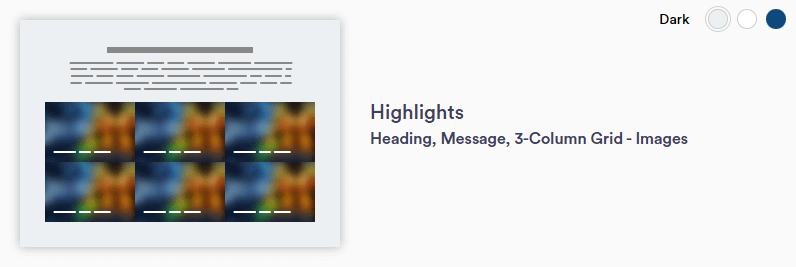
Highlights 3 section layout allows for a headline, message, and highlight tiles in a 3-column format. Highlight tiles are separate from one another, allowing for diverse and engaging content. Each highlight tile pulls up a text box overlay when the mouse hovers over it and the tile color changes based on the selected background color. This layout is ideal for content such as blogs or newsletters.
Continue reading to explore the required and optional elements for this section. Scroll down to view samples of this section in Dark, Light, and Primary (blue) color options available in TWM.
Required Elements
- Background color
- Justification (Left, Center, Right)
- Highlight tiles
- Title and message
- minimum needed = 3
- Horizontal image - 727 x 520px
Optional
- Intro title and/or paragraph
- CTA(s) - button or text
- Disclaimer
Section Capabilities
- Highly recommend using various images
- Suggested amount of tiles: 6
- Can add more if desired
- Content idea: blog/newsletters
- Highlight flips when mouse hovers over square
- Highlight tile color change with background color selection
Heading and Message Subtitle
Heading and Message Title - Left
Heading and message left justified. Duis aute irure dolor in reprehenderit in voluptate velit esse cillum dolore eu fugiat nulla pariatur.





Heading and Message Subtitle
Heading and Message Title - Center
Heading and Message Center Justified. Duis aute irure dolor in reprehenderit in voluptate velit esse cillum dolore eu fugiat nulla pariatur.
Heading and Message Subtitle
Heading and Message Title - Right
Heading and Message Right Justified. Duis aute irure dolor in reprehenderit in voluptate velit esse cillum dolore eu fugiat nulla pariatur.