Carousel 1
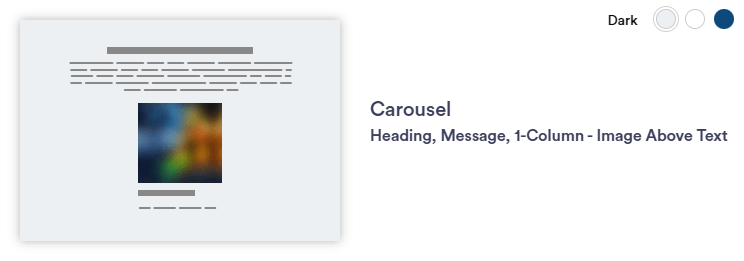
Carousel 1 section layout allows for the display of multiple images within a single, limited space, cycling through them in a slideshow-like manner. The carousel elements stay centered below the message area, and it is recommended to limit photos to 12 to improve page loading speed.
Continue reading to explore the required and optional elements for this section. Scroll down to view samples of this section in Dark, Light, and Primary (blue) color options available in TWM. The buttons do change with background color to create proper contrast.
Required Elements
- Background color
- Justification (Left, Center, Right)
- Horizontal image - 727 x 520px
Optional
- Image caption(s)
- CTA
- Disclaimer
Section Capabilities
- Carousel element stays centered below message area (static)
- Button color changes with background color
- Can add hyperlinks within paragraph text
- Recommended limit of 12 photos to increase page loading speed
Heading and Message with CTA Subtitle Entity
Left Justified Title and Message with CTA Entity
Headline 3 with CTA Message
Lorem ipsum dolor sit amet, consectetur adipiscing elit, sed do eiusmod tempor incididunt ut labore et dolore magna aliqua. Bolded text within a sentence.
Call to Action
Carousel 1 
Carousel 2 
Carousel 3
Heading and Message with CTA Subtitle
Center Justified Heading and Message with CTA Title
Heading and Message with CTA Message
Lorem ipsum dolor sit amet, consectetur adipiscing elit, sed do eiusmod tempor incididunt ut labore et dolore magna aliqua.Lorem ipsum dolor sit amet, consectetur adipiscing elit, sed do eiusmod tempor incididunt ut labore et dolore magna aliqua.
Call to ActionCarousel 1 Carousel 2 Carousel 3 
Carousel 4 

Carousel 5
Heading and Message with CTA Subtitle
Right Justified Heading and Message with CTA Title
Headline 3 in Message Area
Lorem ipsum dolor sit amet, consectetur adipiscing elit, sed do eiusmod tempor incididunt ut labore et dolore magna aliqua.
Call to ActionCarousel 1 Carousel 2 Carousel 3